Our verdict in three lines
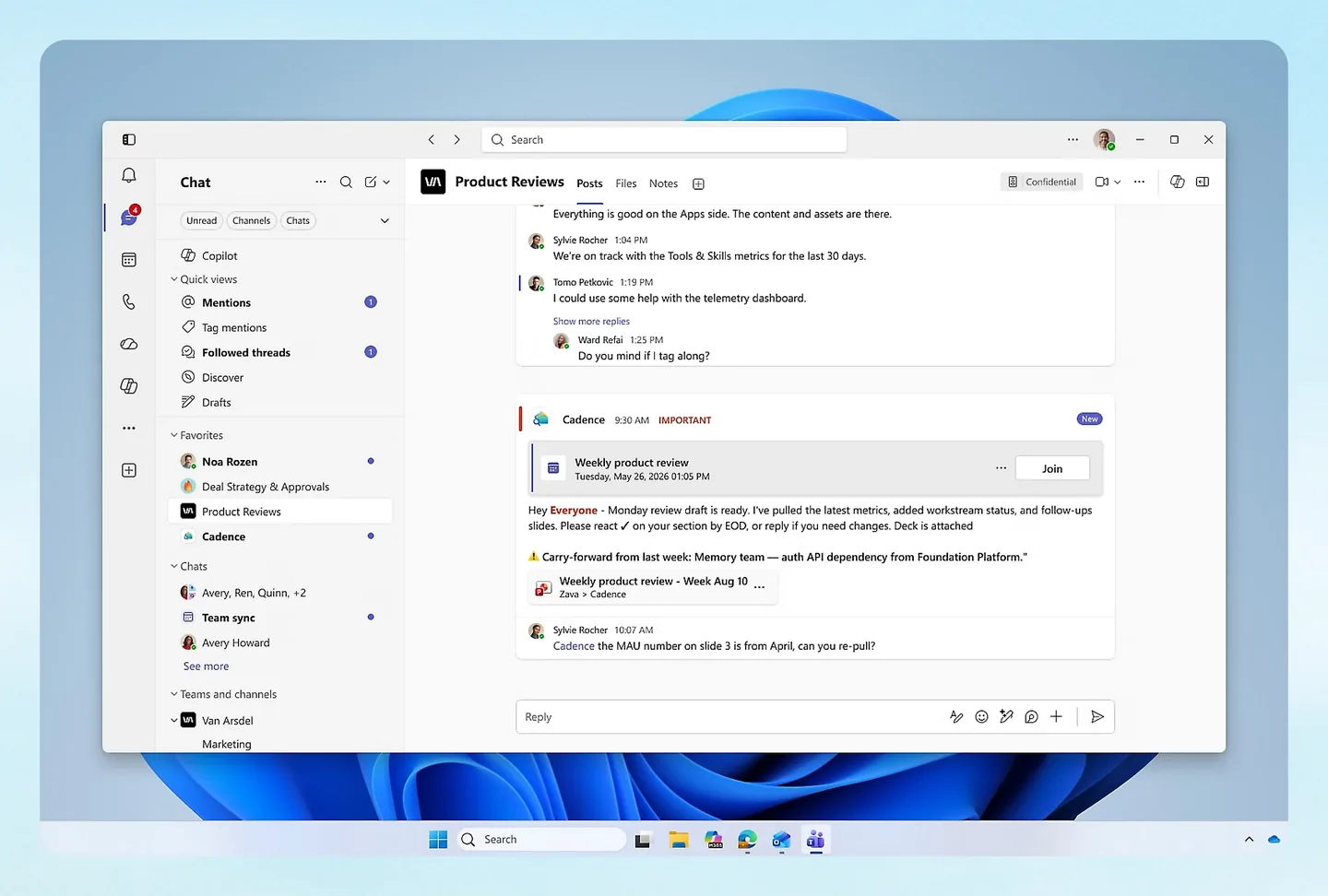
If your company already runs on Microsoft 365, Copilot Studio is the path of least resistance: agents that know your SharePoint, Teams and Dataverse, managed by the admin tools you already have.
A pack of 25,000 Copilot Credits costs $200 a month; pay-as-you-go needs an Azure subscription and no commitment.
A small team can buy it without a sales call, but not without a Microsoft tenant, an Azure subscription and some patience with licensing.
Good fit if
- Your documents, mail and chat are in Microsoft 365
- You have an admin who knows the Power Platform and Azure
- You need agents on external channels with enterprise governance
Look elsewhere if
- You run on Google Workspace or a mix of SaaS tools: see AI automation tools
- You want a price you can read in ten seconds
- You want a free plan
- Entry price
- From $200/mo
- Billed in
- Copilot Credits
- Free plan or trial
- Free trial
- Integrations
- Not stated
- Self-hosting
- No
- Price checked
- Nov 15, 2026
What is Microsoft Copilot Studio?
Copilot Studio is Microsoft's platform for "creating and managing custom agents, workflows, and apps with no code". You describe an agent, give it knowledge and tools, and publish it inside Microsoft 365 or to outside channels such as a website. Microsoft says 90% of the Fortune 500 has used it.
There are two doors into the product, and mixing them up is the most common mistake. Agent-building inside Microsoft 365 Copilot (a $30 per user per month add-on, paid yearly) covers internal agents. Standalone Copilot Studio is what you need to publish agents to external channels and to let people without a Copilot license use them.
How much does Copilot Studio cost?
Read on Microsoft's Copilot Studio pricing page on November 15, 2026.
 Copilot Studio plans7.8/10From $200/mo · checked November 15, 2026 | Monthly billing | Annual billing, per month | Included | Notes |
|---|---|---|---|---|
| Copilot Credit pack | $200 | Not listed | 25,000 Copilot Credits a month, tenant-wide | Publish agents to external channels |
| Pay-as-you-go | On request | On request | Billed on the credits you consume | No upfront commitment; needs an Azure subscription |
| Pre-purchase plan | On request | On request | Prepaid Copilot Credit Commit Units | Microsoft says up to 20% savings; needs an Azure subscription |
| Microsoft 365 Copilot (add-on) | $30 | $30 | Per user, paid yearly | Build internal agents inside Microsoft 365; needs a qualifying Microsoft 365 plan |
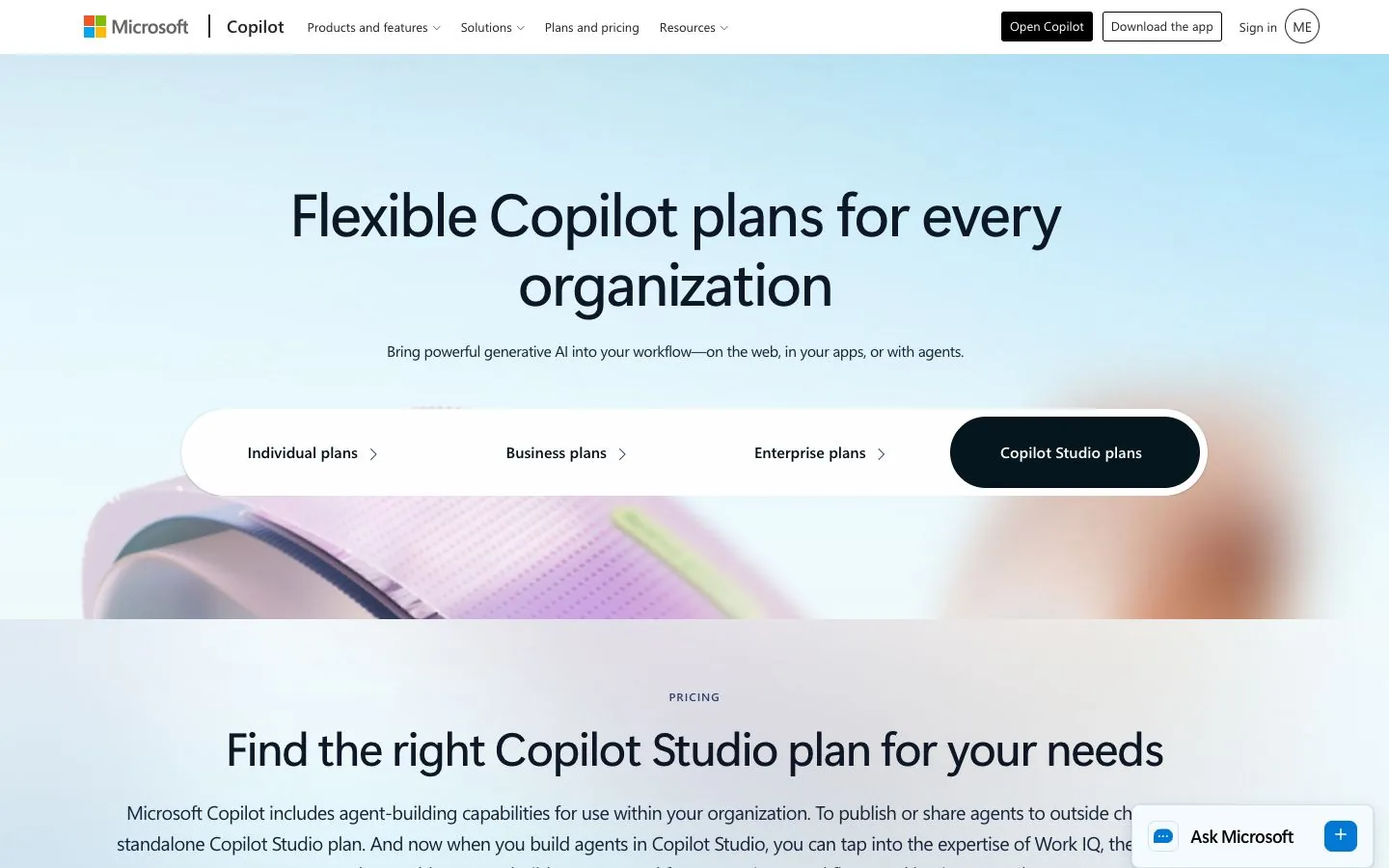
Microsoft's FAQ on the same page spells it out: Copilot Studio is sold as a tenant-wide license that includes capacity packs of 25,000 Copilot Credits each, at $200 per pack per month. A pay-as-you-go meter bills the credits you consumed at the end of the month, with no upfront commitment. A pre-purchase plan trades commitment for a discount of up to 20%.
What is a Copilot Credit?
Credits are the unit that measures agent usage. The billing rates are published on Microsoft Learn, and they depend on what the agent does:
- Classic answer: 1 credit
- Generative answer: 2 credits
- Agent action: 5 credits
- Tenant graph grounding for a message: 10 credits
- Agent flow actions: 13 credits per 100 actions
One reply can combine several. Microsoft's own example: an agent grounded in the tenant graph uses 12 credits to answer a single complex prompt (10 for grounding, 2 for the generative answer). At that rate a $200 pack covers about 2,080 such answers; with plain generative answers it covers 12,500. Know which kind your agent gives before you size the pack.
Can a small team buy Copilot Studio on its own?
Yes, with conditions. The pricing page has a "Buy now" button on the pre-purchase plan and a "Get started" button on pay-as-you-go, and both state that "an Azure subscription is required to use agents". There is also a free trial. So you do not need a sales call, but you do need a Microsoft work tenant and an Azure subscription linked to your environment. For a five-person company on Google Workspace, that is a project in itself.
What can you build?
Conversational agents, autonomous agents that act on triggers, agent flows, multi-agent systems and voice agents with IVR. Agents can use Microsoft-provided models or your own through Azure AI Foundry (billed separately), knowledge from Azure AI Search and Dataverse, and prebuilt, premium or custom Power Platform connectors.
Video: “Copilot Studio Product Tour”, from the Microsoft Copilot Studio channel on YouTube.
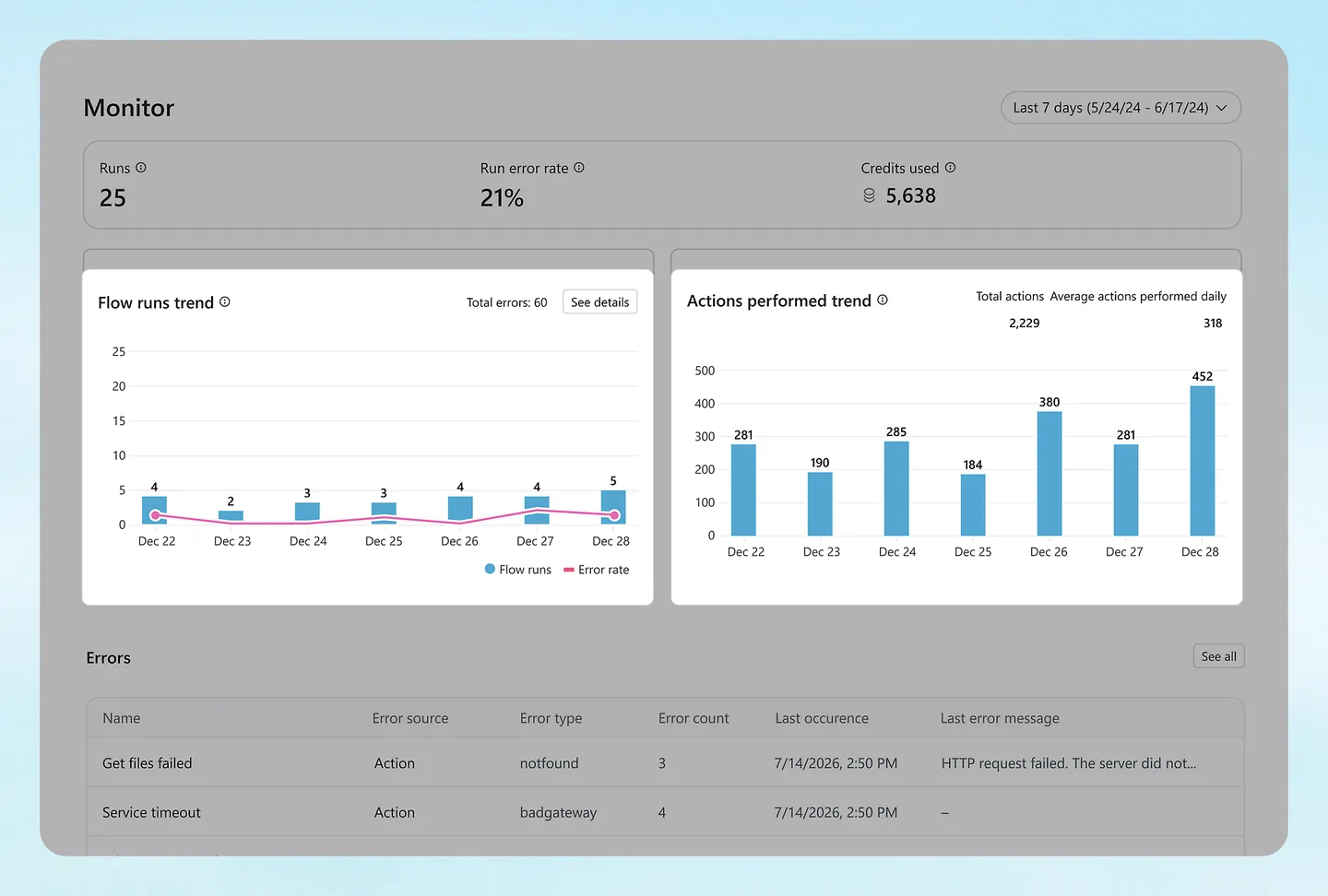
Management happens in the Power Platform admin center: environments, usage and cost oversight, analytics, and versioning of agents and flows.
Is there a free version?
There is a free trial, and Microsoft offers a $200 credit to new Azure accounts. There is no permanent free plan for standalone Copilot Studio.
The catch
Licensing. Between the Microsoft 365 Copilot add-on, credit packs, the pay-as-you-go meter and the pre-purchase plan, working out what you owe takes an afternoon and a licensing guide. And on prepaid capacity, Microsoft's documentation says enforcement starts at 125% of your pack: past that point agents are blocked unless a pay-as-you-go meter covers the overage. Set that meter up before launch day.
What you get on day one
The studio, templates and pre-built agents, the connector library and the admin tooling. What you do not get is independence from Microsoft: the product assumes its identity, data and billing systems.
Hidden costs to plan for
- The Azure subscription and whatever else runs on it.
- Premium connectors and Dataverse storage, depending on your setup.
- Your own models through Azure AI Foundry, billed separately.
- Credits burned faster than expected by grounded answers (10 credits each).
Questions to ask before you pay
- Are my agents internal only? Then the Microsoft 365 Copilot add-on may be enough: $30 per user a month, paid yearly, to build agents inside Microsoft 365.
- How many credits does one typical conversation use? Ten plain generative answers are 20 credits; ten answers grounded in the tenant graph are 120.
- Is a pay-as-you-go meter in place for overage? Without one, agents are blocked at 125% of the pack.
- Who in my company can administer the Power Platform?
Copilot Studio pros and cons
What we like
- Native access to Microsoft 365 data
- Published credit rates per feature
- Pay-as-you-go without commitment
- Enterprise governance and analytics
What to watch
- Needs a Microsoft tenant and an Azure subscription
- $200 minimum for a credit pack
- Licensing takes work to understand
- No free plan and no self-hosting
Copilot Studio alternatives: how it compares
The two tools closest to Copilot Studio in entry price, on the same criteria. Scores come from the same formula for all three.
| Compared |  Dify8.7/10From $59/mo checked Nov 15, 2026 | ||
|---|---|---|---|
| Type | Low-code | Low-code | Low-code, source-available |
| Entry price | From $200/mo | From $189/mo | From $59/mo |
| Billed in | Copilot Credits | Conversations | Message credits |
| Free plan or trial | Free trial | Free plan | Free plan |
| Integrations announced | Not stated | Not stated | Not stated |
| AI models | Microsoft-provided models, or bring your own through Azure AI Foundry (billed separately) | AI usage is metered in dollars and included up to a monthly amount; the LLM list is on Botpress's site | Choose your models and your deployment environment |
| Agents or workflows | Agents and workflows | Agents | Agents and workflows |
| Knowledge base / memory | Yes | Yes | Yes |
| Human approval | Not stated | Yes | Not stated |
| Self-hosting | No | No | Yes |
| API / MCP | Power Platform connectors and admin center; Copilot Studio MCP in the docs | API reference and an agent development kit (ADK) | Every app can be published as an API |
| Built for | Teams already paying for Microsoft 365 with an admin who knows Azure | Support teams with steady ticket volume and no wish to pay per seat | Developers and technical teams building AI apps with a knowledge base |
| Official page | Check price at Copilot Studio | Check price at Botpress | Check price at Dify |

- n8n vs Zapier: the side-by-side, with prices checked Nov 15, 2026.
- Make vs Zapier: the side-by-side, with prices checked Nov 15, 2026.
- Best AI automation tools: where Copilot Studio stands among 7 tools.
- How to build an AI agent: 8 steps from idea to a working agent
- Open these tools in the comparison tool
Copilot Studio FAQ
How much does Microsoft Copilot Studio cost?
$200 a month for a pack of 25,000 Copilot Credits, tenant-wide. You can also pay as you go for consumed credits through an Azure subscription, or pre-purchase credits for up to 20% savings. Read on November 15, 2026.
Is Copilot Studio included in Microsoft 365 Copilot?
Partly. Microsoft 365 Copilot ($30 per user per month, paid yearly) lets licensed users build and use internal agents. Publishing agents to external channels needs the standalone Copilot Studio license.
How many answers do 25,000 Copilot Credits buy?
It depends on the feature: 12,500 generative answers at 2 credits each, 5,000 agent actions at 5 credits each, or about 2,080 answers grounded in the tenant graph at 12 credits each, using Microsoft's published rates.
Can I use Copilot Studio without Azure?
Not for standalone agents: Microsoft's pricing page states that an Azure subscription is required to use agents on the pay-as-you-go and pre-purchase plans.
Sources
Everything on this page comes from Microsoft's own pages, read on November 15, 2026. Where a page does not state something, we say so.